
Which Programming Language is Best for AI? Python vs C++ Explained
Python vs C++ in Artificial Intelligence: strengths, weaknesses, use cases, and the companies that use them.
Read More
Enter any type of content — a URL, plain text, phone number, or contact details — into the input box above and click "Generate QR Code".
A unique QR code will be created instantly that packs your data securely.
You can scan it using any QR reader or mobile camera to view the content, or download the QR code image to share or print.
A QR Code (Quick Response Code) is a two-dimensional barcode that can store different types of information such as text, links, or contact details.
Unlike traditional barcodes, QR Codes can be scanned from any angle and hold much more data, making them popular in marketing, payments, and product packaging.
Learn more on Wikipedia
Explore the advantages of creating and using QR codes for your links and content.
Easily download high-resolution QR codes for printing or sharing.
Turn text, links, or contact info into scannable QR codes instantly.
Generate QR codes programmatically using our easy-to-integrate API.
A barcode is a one-dimensional code that stores information in horizontal lines, usually limited to numbers or short data.
A QR code, on the other hand, is a two-dimensional matrix that can store much more data including text, links, and multimedia.
QR codes can be scanned from any angle, are faster to read, and are more versatile compared to traditional barcodes.
Businesses can use QR codes to instantly connect customers to websites, product details, promotions, or digital payments with a simple scan.
They reduce printing costs by linking to digital content instead of relying solely on physical materials.
QR codes also help track customer engagement, making them valuable for marketing campaigns, feedback collection, and loyalty programs.
Scanning a QR code is quick and easy on most smartphones. Here are some common ways to do it:
Open the camera app on most modern phones, point it at the QR code, and tap the pop-up link.
Some phones have a QR scanner in the control center or settings—no extra app needed.


Python vs C++ in Artificial Intelligence: strengths, weaknesses, use cases, and the companies that use them.
Read More
How 1D (linear) barcodes differ from 2D codes like QR—structure, data capacity, scanners, use cases, trends, and how to choose.
Read More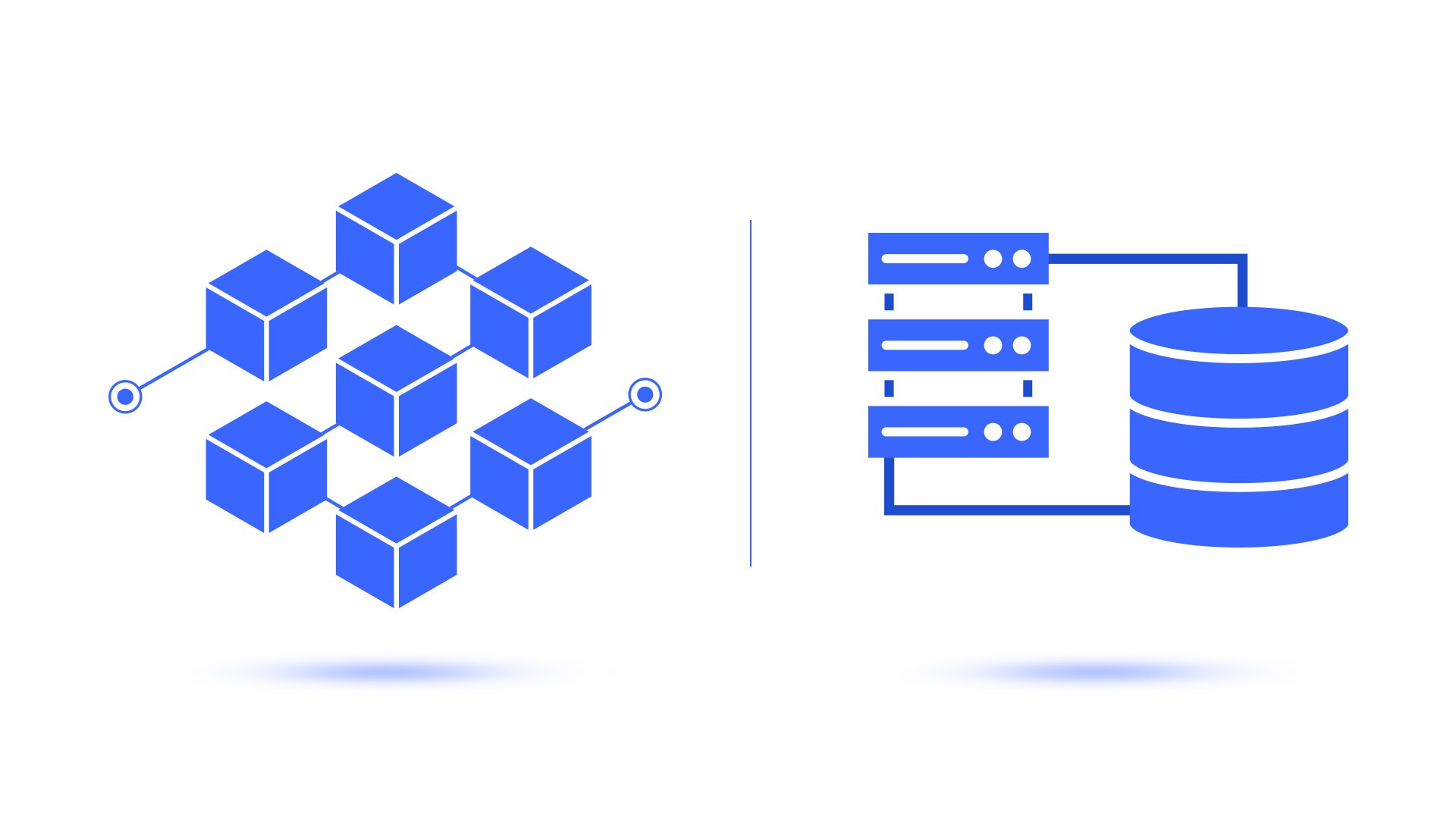
Compare blockchain and traditional databases in terms of structure, security, speed, scalability, and real-world applications.
Read More
Learn how relational and non-relational databases differ in structure, scalability, use cases, and examples like MySQL vs MongoDB.
Read More
Understand the difference between Linear and Logistic Regression. Learn where each is applied in AI, ML, and predictive modeling.
Read More
Understand the roles of frontend and backend, technologies used, developer skills, and how they work together to build websites and apps.
Read More